
CTTC Member Portal
Custom member platform at portal.cttc.com—registration, billing, certificates, and role-based access for agencies statewide.
Where they started
CTTC trains the people who keep public transit running in California. Behind the scenes, coordinators relied on legacy tools—MAC codes for course tracking, disconnected registration flows, and no self-service for supervisors or accounting. Geogram scoped a custom portal to replace that stack while matching the new brand and linking from cttc.com.
Pain with the legacy system
The old stack wasn’t just dated—it actively slowed coordinators down. The portal MVP was scoped to replace these gaps:
- MAC codes — course tracking depended on brittle MAC codes instead of secure, role-based enrollment.
- Fragmented registration — no unified search, cart, checkout, or seat assignment for students across an agency.
- Blind spots for supervisors — no single place to manage students, progress, or completion certificates.
- Accounting in the dark — invoice history, PDF downloads, and Stripe-backed membership billing weren’t self-service.
- Manual follow-up — no “notify me when available” for full classes, scholarship workflows, or structured course feedback.
- No member directory — Transit, Academic, and Partner members couldn’t be browsed or searched in one statewide directory.
What we accomplished
Geogram delivered the customer-portal MVP scoped in the services agreement—replacing MAC-code workarounds with a single, branded platform at portal.cttc.com. The build runs on a modern web stack with managed cloud infrastructure, serverless APIs, and secure authentication—and continues to evolve through ongoing production releases.
- Retired MAC codes — secure, role-based enrollment and class tracking replace brittle MAC-code workflows.
- Self-service registration & billing — public sign-up, org invites, cart/checkout, order history, invoice PDFs, and Stripe-backed membership dues.
- Role-based access — scoped permissions for students, supervisors, accounting, org admins, and CTTC global staff—with 2FA and profile setup flows.
- Supervisor & accounting visibility — dashboards, enrollments, certificates, student activity, and downloadable invoices without staff intervention.
- Statewide membership directory — searchable listings for Transit, Academic, and Partner members.
- Scholarship & wait-list workflows — application paths and “notify me when available” for full classes.
- Support & operations — public and in-app support tickets with email notifications, audit logs, and customizable analytics widgets.
- Brand-aligned experience — portal UI matches the CTTC identity system and links cleanly from cttc.com.
The platform
One application shell serves self-service members, agency supervisors, accounting teams, and CTTC global administrators—with org-scoped and global routes from the same codebase.
Registration & commerce
Course catalog, cart, checkout, seat assignment, registration cutoffs, wait-list notifications, and order details—with permission-gated enrollment.
Roles & organizations
Org invites, user management, login history, forced profile fields, and scoped access across students, supervisors, accounting, and admins.
Learning records
Enrollments with sort/filter/export, in-progress classes, downloadable certificates, and post-course assessment feedback.
Billing & membership
Invoice PDFs, Stripe recurring dues, membership plans, scholarship applications, and supervisor activity reports.
Operations & analytics
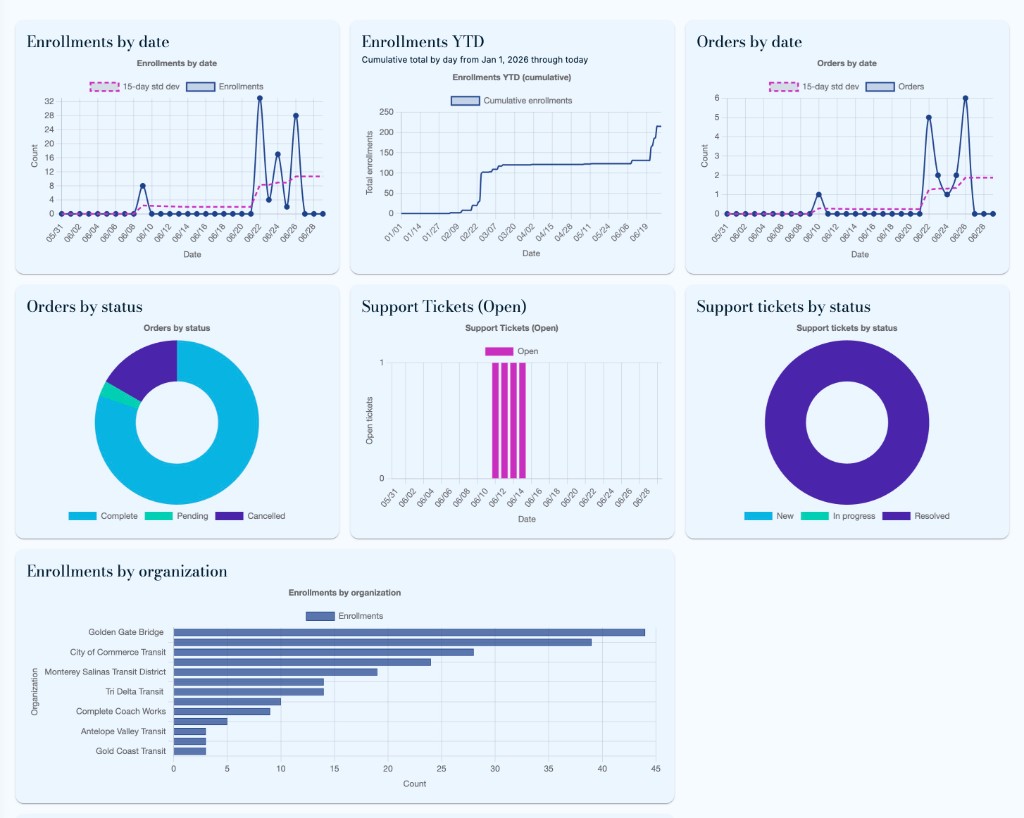
Customizable dashboard widgets—enrollments, orders, revenue, support tickets, and top courses—with audit logs and CSV export.
Integrations
Course/class notification emails, marketing-site class sync, usage analytics, and in-app version checks with one-click updates.
Portal in screenshots
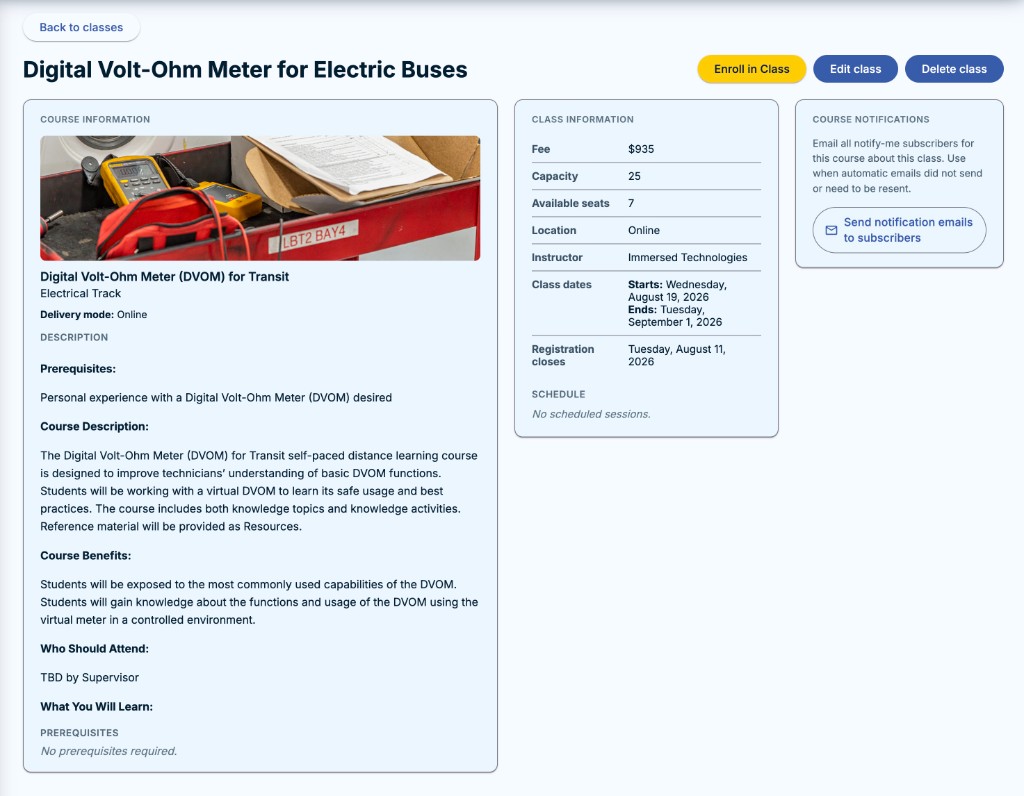
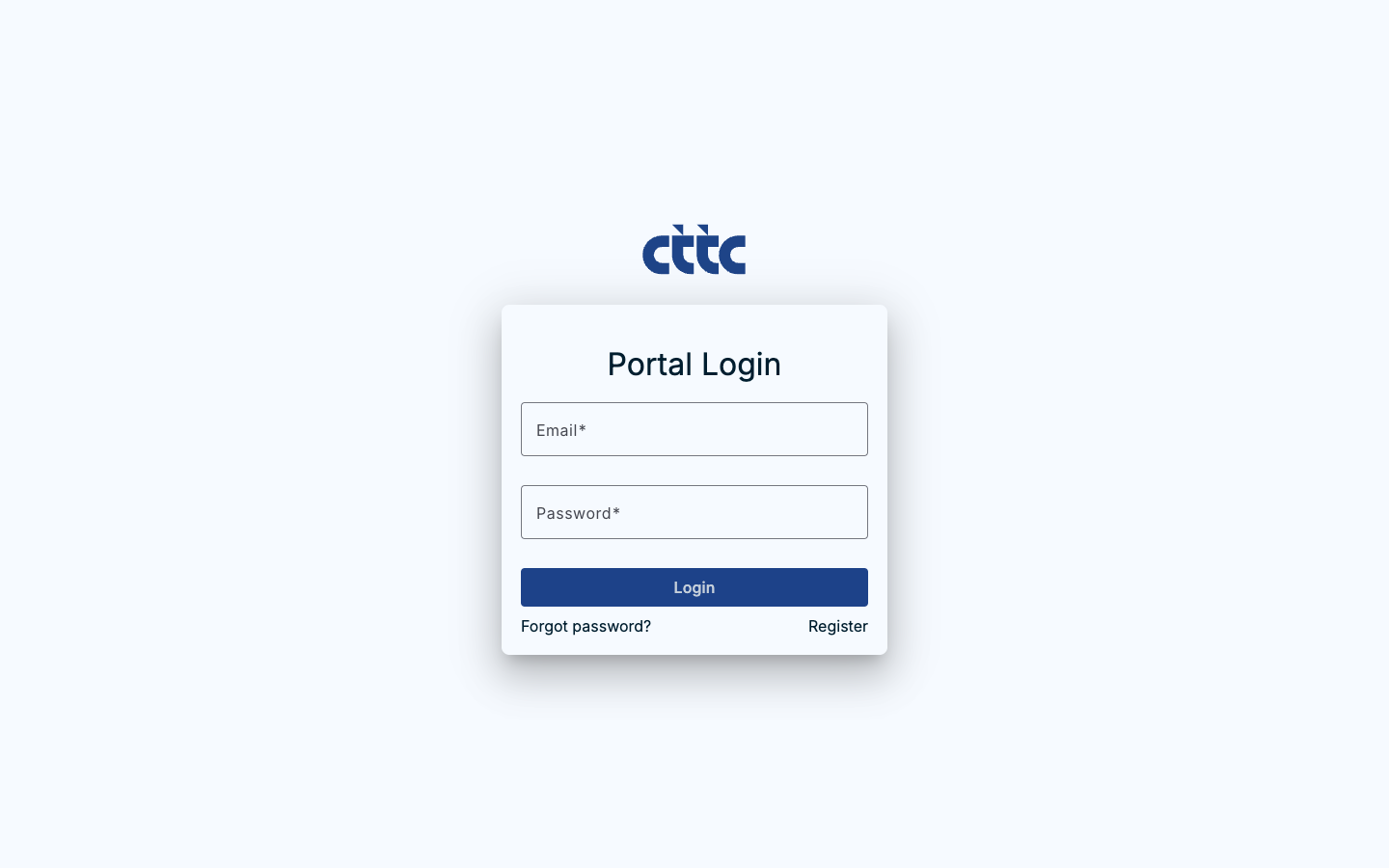
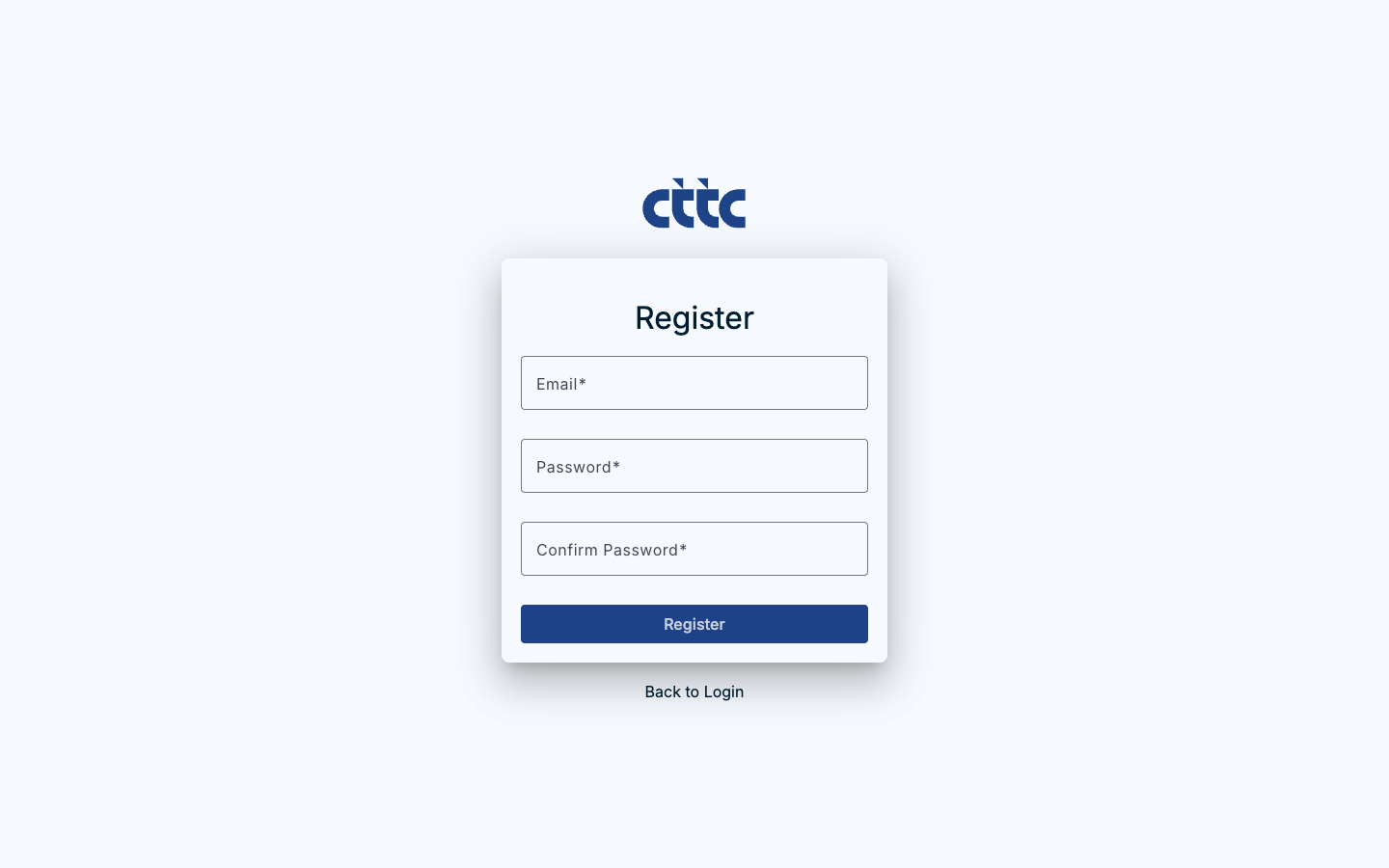
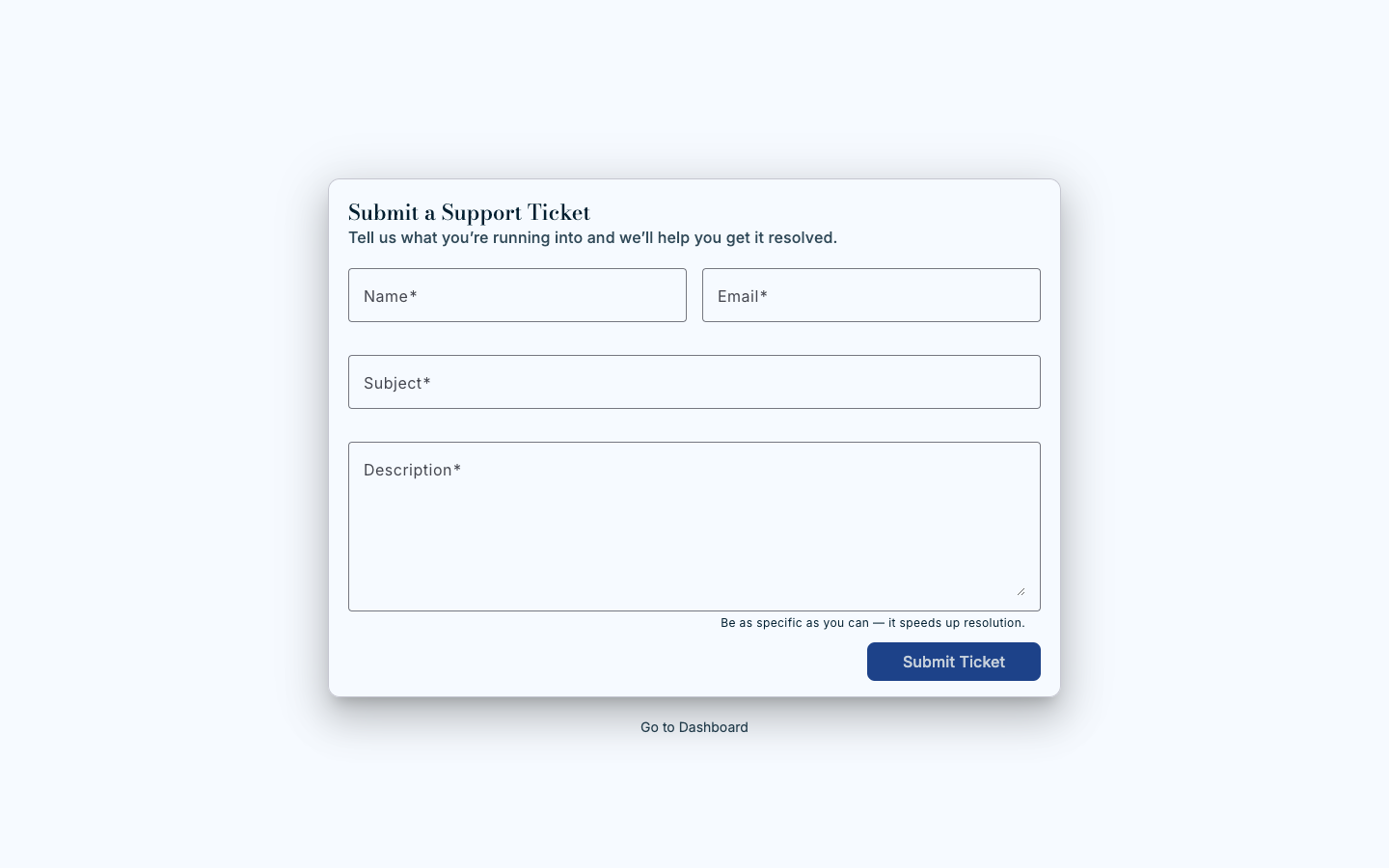
Signed-in coordinators browse courses, enroll teams in classes, and track activity from role-based navigation. Public flows—login, registration, and support—use the same CTTC brand.

In production today
portal.cttc.com is live for California transit agencies statewide. Members sign in, register new users, and submit support tickets without calling CTTC staff. Coordinators search courses, build carts, and check out seats for their teams. Supervisors track enrollments, completion, and certificates in one place. Accounting teams pull invoice history and manage Stripe membership billing on their own.
On the operations side, CTTC staff run global admin—managing courses, classes, organizations, enrollments, and support queues—from customizable analytics dashboards. Recent releases added audit logging, order-detail pages, course notification emails, registration cutoffs, and in-app version prompts so agencies always run the latest build.
Training coordinators
Browse the course catalog, assign seats, manage wait lists, and enroll invited students—no MAC codes or manual spreadsheets.
Supervisors & HR
Monitor student progress, download certificates, and review activity reports without emailing CTTC for every update.
Accounting
Self-service invoice PDFs, order history, and recurring membership payments through Stripe.
CTTC operations
Global dashboards for enrollments, revenue, and support volume—with audit trails and exportable enrollment data.
The result
California transit agencies now have a single member hub—from first login through course completion and billing. The portal replaces legacy friction with secure, role-based workflows tied to the public marketing site and brand system, and it keeps shipping as CTTC scales training statewide.